Recent menu activity stays visible during the business day.

Activity view
MenuList turns public menu, Official Business Page, and saved shortcut activity into simple owner views: today, daily, weekly, monthly, and overall. It stays read-only and does not ask customers for names or emails.
The owner view brings together menu visits, popular items and categories, searches, customer actions, actions while closed, official-page actions, and saved-shortcut activity.
Recent menu activity stays visible during the business day.
Menu opens, item taps, searches, and customer actions are summarized.
Calls, WhatsApp, directions, reservations, order clicks, shares, and official-page actions are part of the owner view.
Activity journey
Use the same clear activity view from desktop or phone.
Owner views
Today, overview, daily, weekly, monthly, and overall views let owners check current activity, completed periods, and all-time totals without building a report.
Recent menu activity stays visible during the business day.
Menu opens, item taps, searches, and customer actions are summarized.
Calls, WhatsApp, directions, reservations, order clicks, shares, and official-page actions are part of the owner view.
Completed periods
Daily shows yesterday, weekly shows the last 7 completed days, monthly shows the current month through the latest completed day, and overview gives the owner summary.
Yesterday's activity is separated from live today activity.
The last 7 days show customer attention without a spreadsheet.
The current month shows how customers have used the menu so far.
Desktop and phone
Desktop gives more room for detail. The same daily, weekly, and monthly views are available from the owner phone dashboard.
Owners can check activity from the phone they already use.
Desktop remains available for wider comparison and detail cards.
Activity details belong inside the logged-in owner view, not on public customer pages.
Kept simple
The view focuses on clear summaries, Business Health, searches with no result, items customers viewed without taking a next step, and actions while closed where available. It avoids revenue promises, personal customer profiles, and raw-data busywork.
Menu opens and item taps are shown in plain language.
Business Health can show a short activity cue while the full detail stays in the activity view.
MenuList reports activity; it does not promise automatic sales lift or exact attribution.
Menu activity
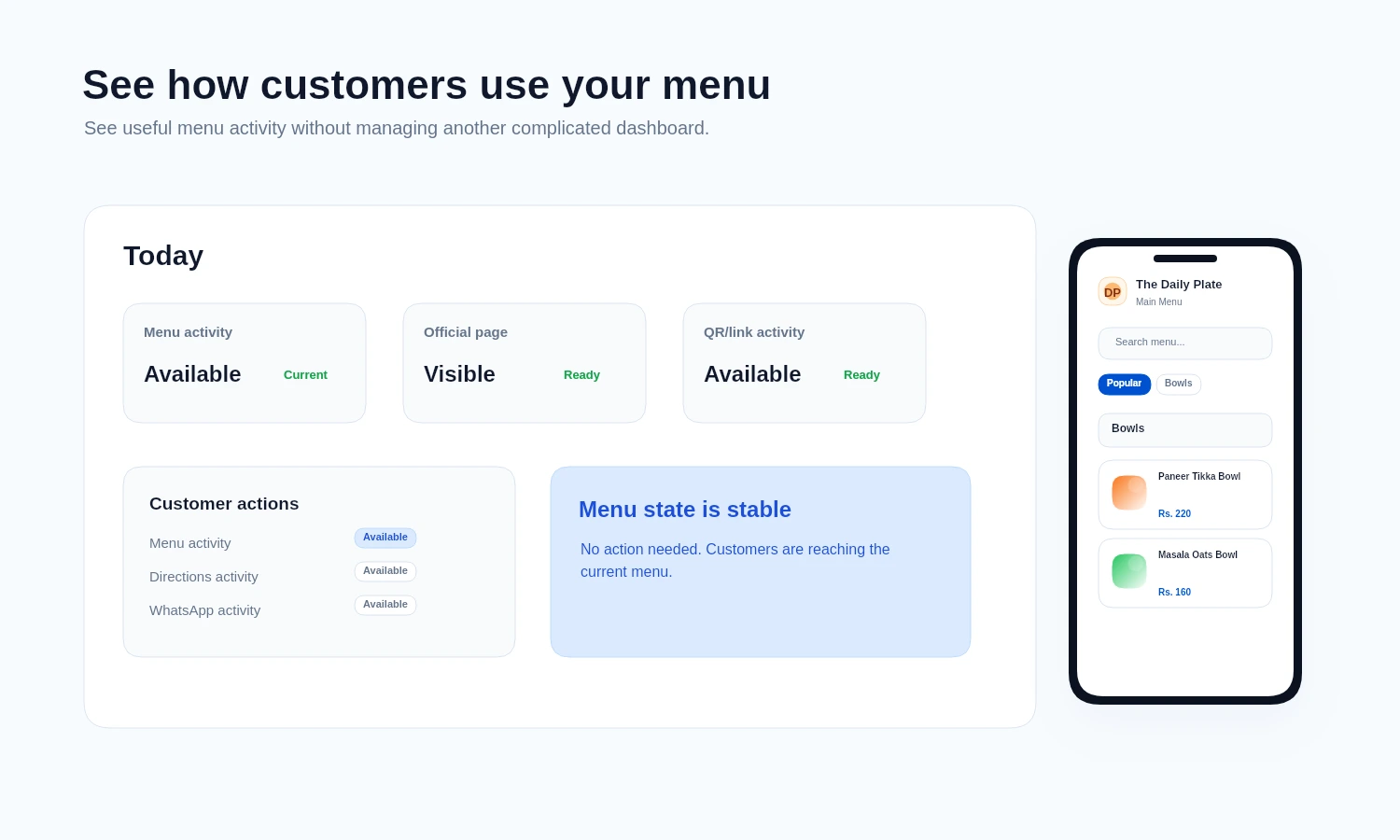
This demo visual keeps analytics tied to the public menu and Official Business Page activity owners can understand quickly.
The owner sees compact customer activity and freshness cues without customer profiling, revenue promises, or unsupported attribution.
What this combines
See public menu, Official Business Page, and saved-shortcut activity together in one owner view.
Today, daily, weekly, monthly, and overall views match how owners ask whether the menu is being used.
The owner view combines activity from MenuList pages without building personal customer profiles.
Privacy
Analytics stays useful without asking customers for private information.
The activity view shows what happened on MenuList pages without changing your public menu.
Popular items and categories, searches with no result, unavailable-item interest, actions while closed, and customer next steps help owners understand what people need.
The same owner activity periods are available from desktop and phone.
The flow does not require customer names, emails, payment details, heatmaps, hover tracking, or exact GPS coordinates.
Owner activity view
Start with the current menu, publish the approved list, and use the owner view to see customer activity in calm period summaries.